 .
.Below you find an example template with the agent’s data filled in, as first party .
Add parties creates a row for the next party  to sign or to get a copy.
Fill in conditions for each respective party, in existing fields and/or the ones you create, such as:
Click on the Close button to save the settings.
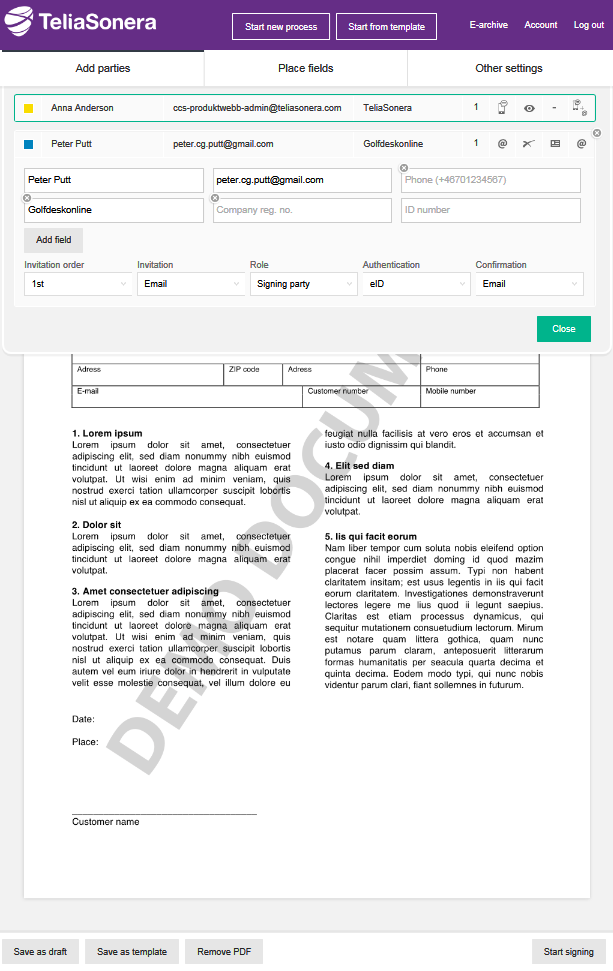
The selected conditions are seen as five symbols. Change directly by clicking on the intended symbol, or in the view opened when you click on the relevant party's row.
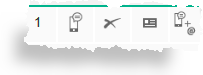
 in a tablet at a personal meeting
 in an SMS
 in an email
 by both SMS and email
 sign
sign just read
 no
no yes, by electronic id
 yes, by PIN code via SMSnoby SMSby an emailby both SMS and email